The Author's Edge: Issue 2
Your Book's Introduction Is Already a LinkedIn Article—Here's How to Post It
Most authors spend weeks crafting their book's introduction. It is often the most polished, personal, and persuasive writing in the entire manuscript. It answers the big question: why this book exists and why anyone should care.
Then the book launches, and the introduction sits buried behind the cover. Nobody reads it unless they buy the book first. That is backward.
Here is the fix: take your introduction, adapt it for LinkedIn, and publish it as a long-form article. Not a teaser. Not a "buy my book" pitch. A standalone piece of writing that delivers real value and demonstrates exactly why your book is worth reading.
LinkedIn is built for this. The platform rewards professional insight, personal stories, and practical advice. Your introduction already contains all three. You do not need to write anything new. You need to edit what you already have into a format LinkedIn readers will engage with.
The key is adaptation, not duplication. A straight copy-paste of your introduction will not work. LinkedIn readers skim. They want a hook in the first two lines, clear subheadings, and a payoff they can apply immediately. Your introduction has the substance. You just need to repackage it for the platform.
Let's look at how two very different authors would run this exact play.
How a business author would run it: Don Wenner
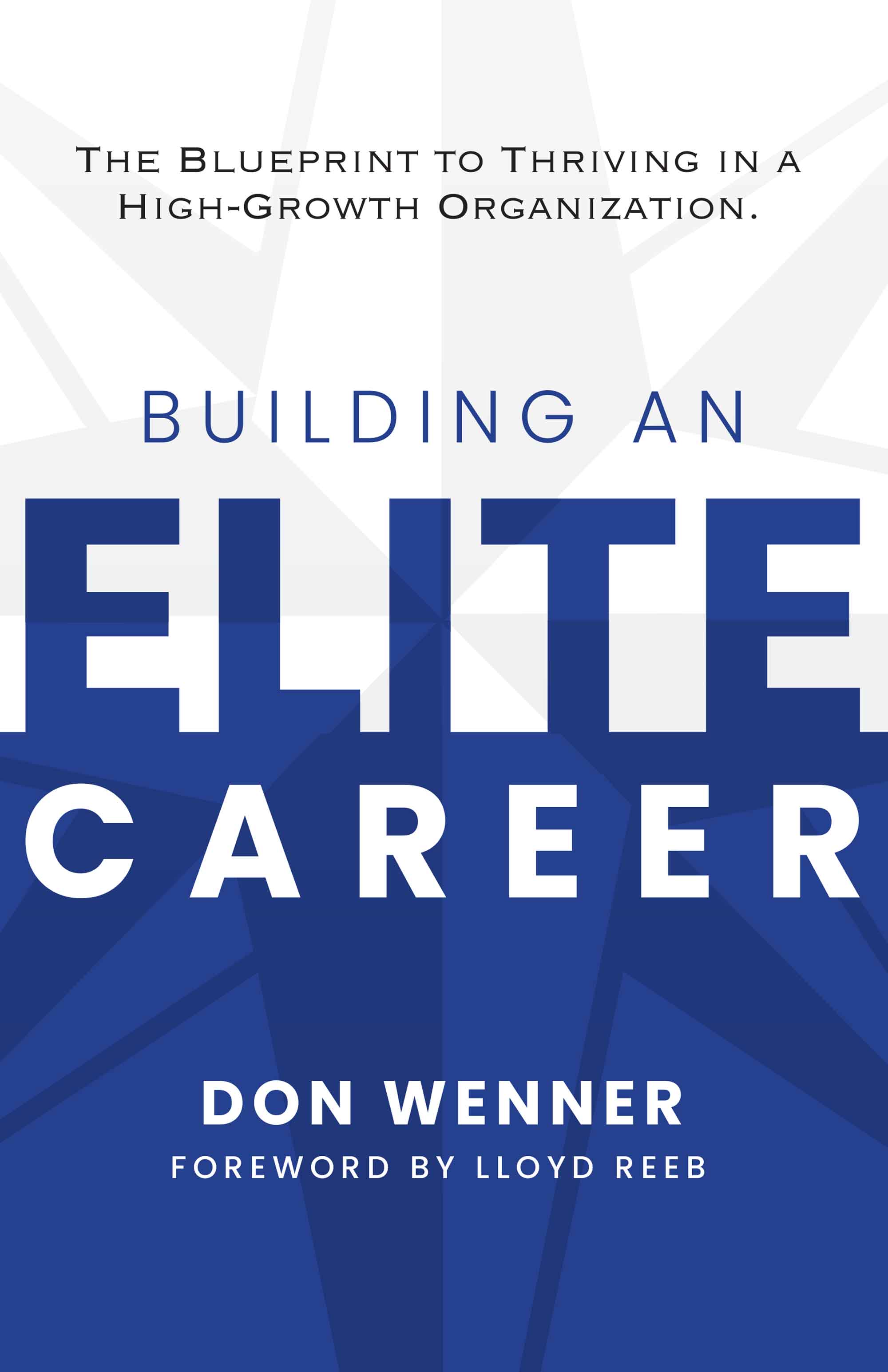
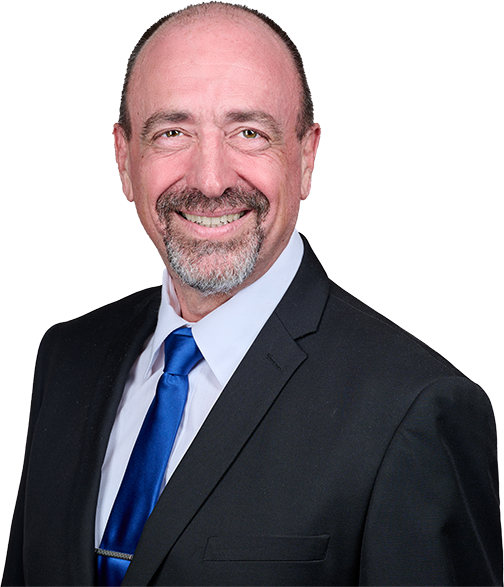
Don Wenner is the CEO and founder of DLP Capital, a private real estate investment firm that has been named to the Inc. 5000 list of fastest-growing companies for eleven consecutive years. His book, Building an Elite Career, walks readers through the Elite Execution System, a proven framework for driving growth, engagement, and personal fulfillment inside high-growth organizations. It draws on the best concepts from some of the world's greatest business and personal growth thought leaders and teaches readers how to apply them in work and life.
For Don, LinkedIn is home turf. His audience lives there: executives, entrepreneurs, team leaders, and ambitious professionals building careers in competitive environments. His book's introduction lays out the case for why most career advice misses the mark and why a systems-based approach to professional growth outperforms raw talent alone.
That introduction, adapted into a LinkedIn article, would land with force. A headline like "Why Most Career Advice Fails in a High-Growth Organization" would stop the scroll for anyone who has ever felt stuck despite doing everything right. Don could open with the core insight from his introduction, share one or two real examples from his experience building DLP Capital from the ground up, and close with a clear takeaway readers can apply that same week.
The result: thousands of professionals engage with the ideas. A percentage click through to learn more about the book. But the real win is positioning. Don is no longer just an author promoting a book. He is a thought leader publishing insights on the largest professional network in the world. Every comment, every share, every connection request that follows is a door that his introduction opened.
Total effort: one afternoon of editing. Total upside: a permanent, searchable article that works for him 24/7.
How a memoirist would run it: Ellen Patnaude
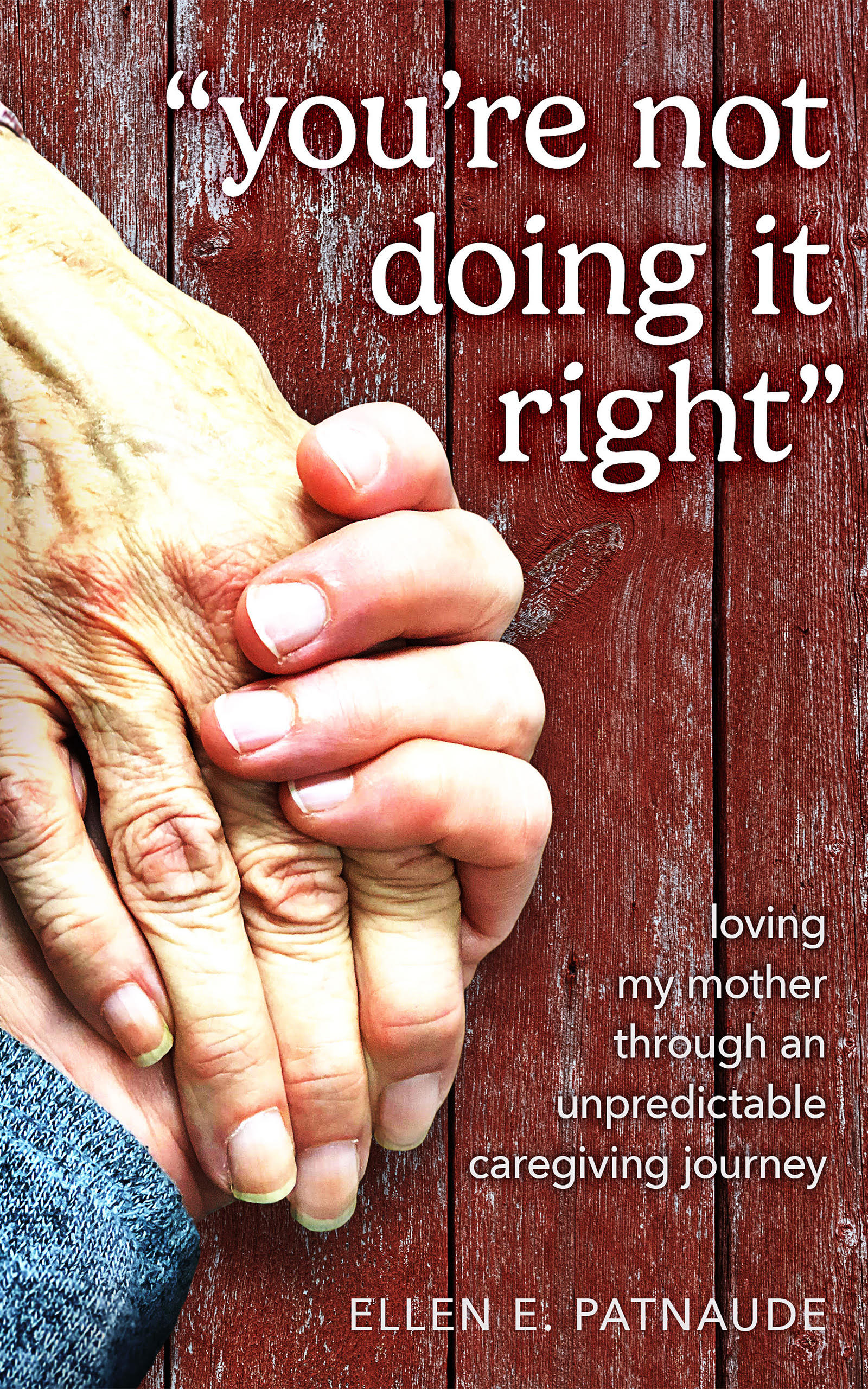
Ellen Patnaude is a workplace communication coach, caregiver advocate, and certified Community Educator with the Alzheimer's Association of Michigan. Her book, "You're Not Doing It Right," is a raw, honest memoir about caring for her mother, Charlotte, through Lewy body dementia. The disease plunged her family into a rapid and unpredictable decline from 2016 until Charlotte's passing at the end of 2020. Ellen also wrote I Thought You Knew: Confessions of a Chronic Assumer, and she runs Patnaude Coaching, helping teams and leaders improve communication.
At first glance, a deeply personal caregiving memoir might seem like an unusual fit for LinkedIn. But that is exactly what makes it powerful. LinkedIn's feed is saturated with professional tips, leadership frameworks, and corporate jargon. A real human story about love, loss, and the impossible decisions of caregiving stops people mid-scroll.
Ellen's introduction sets up the emotional core of the book: the guilt, the confusion, the strain of caring for a parent when the relationship was already complicated. Adapted for LinkedIn, this becomes an article titled something like "What Caring for My Dying Mother Taught Me About Communication." The connection to her professional work as a communication coach gives it relevance on a business platform without forcing it. She does not need to pivot the story into a business lesson. The story is the lesson.
Millions of working professionals are also caregivers. They rarely talk about it publicly. Ellen's article would give them permission to. The comments section alone would become a community of shared experience, driving visibility far beyond her existing network. One article. One afternoon. An audience that finds her because she told the truth.
Same platform. Completely different approach. Both effective.
Your 15-Minute Action Step
Set a timer. This should take you no more than 15 minutes.
1. Open your book's introduction in a separate document. Copy and paste it into a new file so you can edit freely without touching the original.
2. Cut it to 800 to 1,200 words. LinkedIn articles perform best at this length. Remove any references that only make sense in the context of the full book. Keep the core argument and your best stories.
3. Write a new opening line that hooks a LinkedIn reader. The first sentence needs to work on its own in the feed preview. Lead with a bold claim, a surprising fact, or a personal story. Do not lead with "In my new book..."
4. Add a headline that creates curiosity. Think in terms of what your reader wants to know, not what your book is about. "The Leadership Mistake Nobody Talks About" outperforms "An Excerpt from My New Book" every time.
5. Publish as a LinkedIn article (not a regular post). Go to LinkedIn, click "Write article," paste your text, and hit publish. Add 3 to 5 relevant hashtags and tag 2 to 3 people mentioned in or relevant to the piece.
Swipe File
LinkedIn article headline templates:
"What [Your Topic] Taught Me About [Broader Professional Theme]"
"The [Number] [Industry] Myths That Are Holding You Back"
"I Spent [Time Period] [Doing Something]. Here Is What I Learned."
"Why Most [Professionals] Get [Topic] Wrong (And What to Do Instead)"
Opening line templates:
"Most people think [common assumption]. They are wrong, and here is why."
"I did not set out to write a book about [topic]. But after [experience], I had no choice."
"There is a question I get asked more than any other: [question]. The answer is simpler than you think."
LinkedIn article checklist:
• Headline: curiosity-driven, 8 to 12 words
• Opening line: works standalone in the feed preview
• Length: 800 to 1,200 words
• Subheadings: break up the text every 200 to 300 words
• Closing CTA: "If this resonated, my book [Title] goes deeper. Link in comments."
• Hashtags: 3 to 5 relevant tags
• Tag: 2 to 3 people mentioned or relevant
• Publish on Tuesday, Wednesday, or Thursday morning for maximum reach
This is Issue #2 of The Author's Edge, our biweekly newsletter for authors who want their book to do real work instead of gathering dust. Every issue gives you one tactic and a 15-minute action step. Want each new issue, plus a community of published authors to trade launch support and cross-promotion with? Join the free Jetlaunch Author Network at jetlaunch.net/network.